-
What exactly are EFI VUTEK printers and should I consider one?
-
Where do I find the WPS pin on my HP printer? (A client just asked me this)
-
Is Sawgrass a good choice for industrial-grade printing?
-
How do I calibrate a Zebra label printer properly?
-
What are the hidden costs of switching to an EFI inkjet+ system?
-
Final thought: The difference between 'fast' and 'feasible'
If you're running a commercial print shop and have ever had to juggle an urgent EFI VUTEK job, figure out a Fiery settings issue, or even just help a client with their HP printer's WPS pin while a Zebra label printer is screaming for calibration, then you know there's never a dull moment. This isn't a textbook. It's a collection of answers to the real questions I get from production managers and owners trying to get the job done. Let's cut to the chase.
What exactly are EFI VUTEK printers and should I consider one?
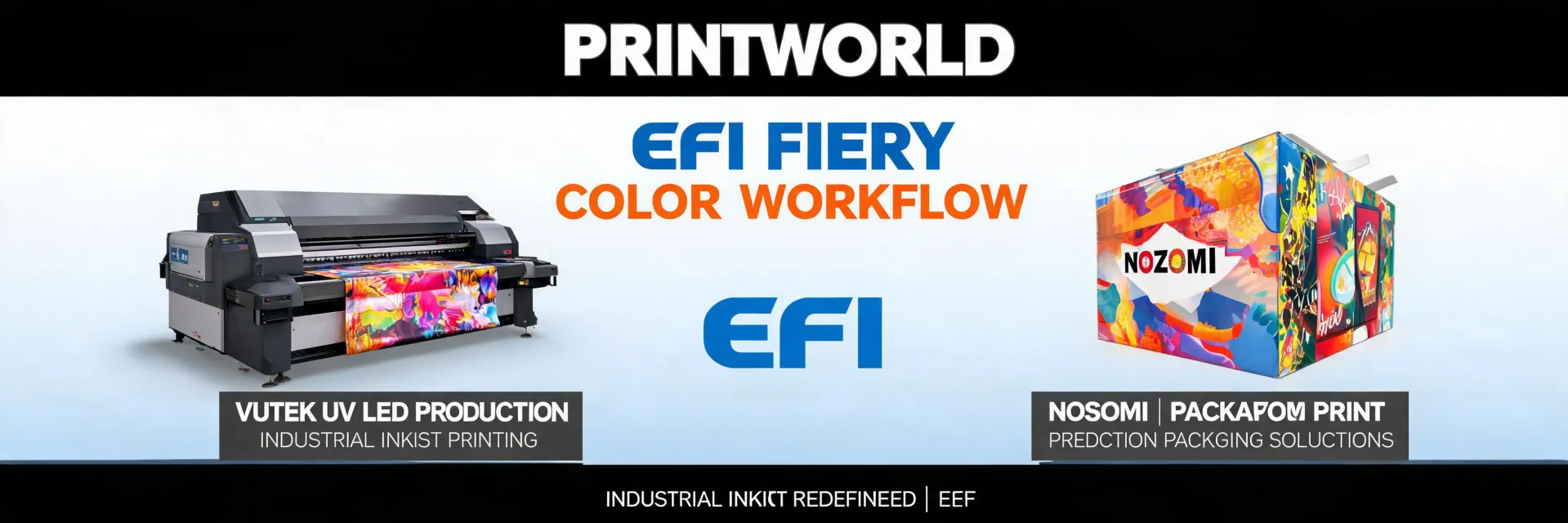
Basically, EFI VUTEK printers are the heavy lifters of the industrial printing world. Think massive roll-to-roll or hybrid flatbed printers designed for high-volume production on everything from billboards to rigid signage. According to EFI (efi.com), their VUTEK series includes models like the h1625 LED and the pro 16h+, which can handle widths up to 16 feet and print at speeds that make offset look slow for short runs.
Should you consider one? If your shop is consistently turning over jobs that require fast turnaround on large format media, it's worth the investment (prices vary wildly based on configuration, but expect to see quotes starting in the mid-six figures; verify current pricing with an authorized dealer). If you're mostly doing short-run A3+ stuff, it might be overkill.
Where do I find the WPS pin on my HP printer? (A client just asked me this)
I get this question more than you'd think, usually from a frantic client who's trying to connect their laptop to their office printer while we're on a deadline.
Honestly, it's annoying. Most modern HP printers (like the LaserJet or OfficeJet series) display the WPS PIN on the printer's control panel when you initiate a Wi-Fi Protected Setup connection. Here's the quick breakdown:
- On the printer: Go to the Network or Wireless settings menu. Select Wi-Fi Protected Setup (WPS). Choosing the PIN method will generate an 8-digit PIN on the screen.
- On your computer: When adding a printer via network, Windows will ask for this PIN.
My shortcut? If you can't find it in the menu after 30 seconds, just look for a sticker on the printer's label. Some HP models list the PIN there, too. (Note to self: I should actually create a reference sheet of common default IPs and PIN locations for our support team.)
Is Sawgrass a good choice for industrial-grade printing?
This is where context matters. I can only speak to high-volume commercial production (my context). Sawgrass is an excellent choice for substrate-specific applications like garment decoration and personalized gift items. Their sublimation technology is specialized for that workflow—smaller runs, full-color vibrancy on polyester fabrics and hardcoated items.
But for a large-scale EFI VUTEK or roll-to-roll production environment? Probably not the right tool. Sawgrass printers (like the SG800) are desktop-scale, not industrial. They're fantastic for a dedicated decoration shop, but they lack the speed, media width, and ruggedness for a 24/7 commercial printing setting. Trying to use a Sawgrass for a 50-foot banner is like using a Ferrari to haul lumber (it's a great tool, just for a different job).
How do I calibrate a Zebra label printer properly?
Calibrating a Zebra label printer (like the ZD420 or ZT610) is a pain point. I remember in early 2024, we lost a $12,000 contract because we didn't calibrate properly for a new roll of polypropylene labels—the gaps were off by 2mm on 10,000 labels. (Ugh.)
Here's the process I've refined after 200+ calibration cycles:
- Power cycle: Turn the printer off and back on. This clears any residual data.
- Auto-calibrate (the easiest way): Press and hold the Pause/Feed button for about 2 seconds. The printer will auto-feed a few labels and measure the gap. The green light should be solid.
- If that fails (which it does, honestly): You need to set the media type. Send a command like
^MNfor continuous media or^MLfor mark/label. Then run the calibration again.
I don't have hard data on how many times this works vs. doesn't, but my sense is it's about 90% effective for standard labels. If it keeps failing, check the label sensor position—it might be misaligned from the gap.
What are the hidden costs of switching to an EFI inkjet+ system?
I've learned to ask 'what's NOT included' before asking 'what's the price.' When you're considering an EFI inkjet+ solution (like a Fiery front end for your existing press), the vendor who lists all fees upfront—even if the total looks higher—usually costs less in the end.
Based on our internal data from acquiring an EFI VUTEK system and a Fiery DFE over the last 3 years, here are the costs that aren't in the brochure:
- Installation & setup: This is not a plug-and-play device. Expect $5,000-$15,000 for rigging, alignment, and electrical work.
- On-site training: The Fiery ecosystem is powerful but complex. Budget for at least a week of certified training.
- Consumables & maintenance kits: EFI inks (like their LED inks) are proprietary and expensive. A basic maintenance kit can run $2,000+.
I wish I had tracked maintenance downtime more carefully from the start. What I can say anecdotally is that you should budget 10-15% of the machine's cost annually for this. Transparency wins here. Don't let a low base price fool you.
Final thought: The difference between 'fast' and 'feasible'
I've triaged many rush orders where a client asks me to print something that's theoretically 'fast' on their new EFI printer but is actually impossible given the current workload or material availability. Looking back, I should have asked about their job queue before promising their 24-hour deadline. At the time, I just said 'yes' because I wanted the business. It cost us a $50,000 penalty clause.
So when you're asking about EFI vs. Sawgrass or how to set up a Zebra printer, remember this: the technology is only as good as the feasibility of the entire workflow. Do your research (check FTC advertising guidelines for any claims you make—per ftc.gov, they must be substantiated). Price everything out (prices as of January 2025; verify current rates). And be honest about what you can deliver.

Elise Marceau is an LED display and digital-signage systems analyst covering LED video walls, modular screens, transparent LED, control processors, and indoor or outdoor signage. She applies IEC 62368-1 safety principles while comparing pixel pitch, luminance, contrast, refresh rate, colour uniformity, viewing angle, ingress protection, power density, module serviceability, and signal redundancy. Her specification guides help integrators, venue operators, retailers, and procurement teams align viewing distance, ambient light, content format, installation access, electrical load, and lifecycle support.