
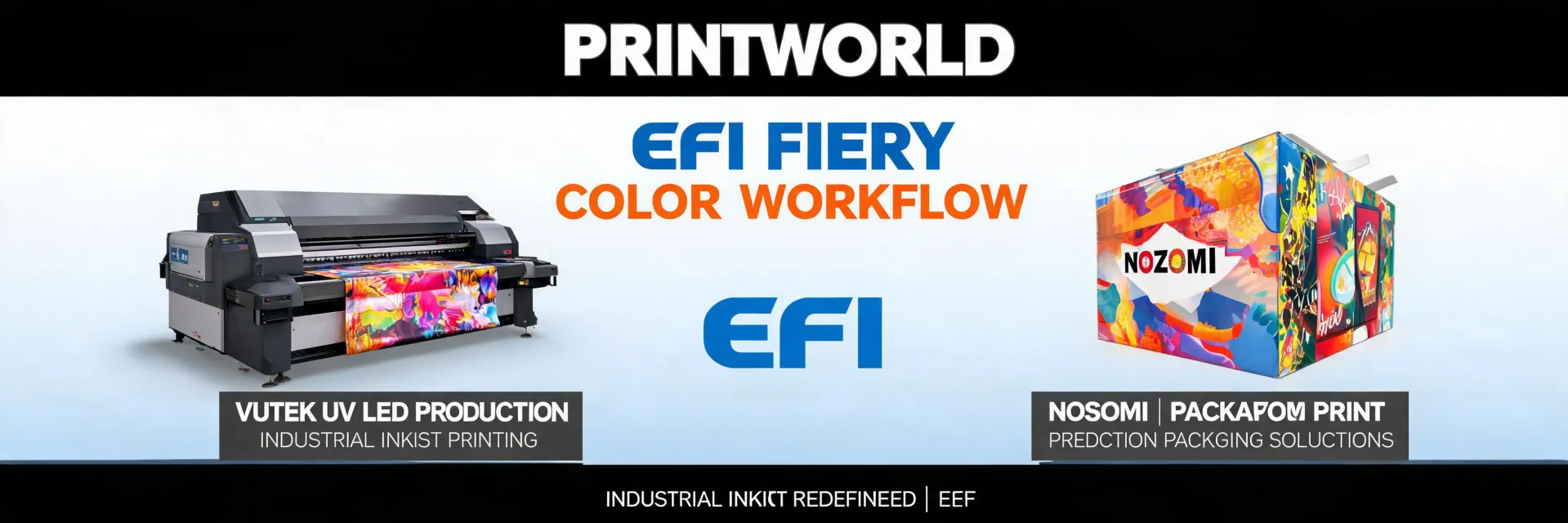
If you're reading this because you just got the green light on an EFI wide format printer—Vutek, Nozomi, or one of the H-series flatbeds—congratulations. And also: stop. Do the checklist first.
I've been handling commercial print production orders for about eight years now. In my first year (2017), I was the guy who assumed 'standard' meant the same thing to every vendor. It doesn't. For EFI wide format printers, the gap between 'we can install that' and 'we are ready for that' can be a $3,200 mistake. I made that mistake. It was a specification error on the electrical drop for a Vutek—thought we had 400A, we had 200A. The electrician re-run cost $3,200 plus a one-week delay. The CFO was not amused.
I've personally made (and documented) about a dozen significant mistakes in industrial printing, totaling somewhere north of $15,000 in wasted budget. Now I maintain our team's pre-install checklist. It's saved us from repeating the expensive ones. This is the version I'd hand to anyone prepping for their first EFI wide format printer install.
Here are the seven things to check before the crate even arrives.
1. The concrete floor is not just 'concrete'
This is the one everyone ignores. You look at the space. You see a concrete floor. You think: good enough. For a large-format flatbed like the EFI H1625 or a roll-to-roll like the Vutek Q5r, 'good enough' is not good enough.
The spec sheets call for a flatness tolerance—often within 3mm over a 3-meter span. A floor that's slightly uneven will cause banding on the print because the carriage height varies. It won't be visible on small prints, but on a full-sheet 4x8 panel, it's a stripe right through the middle.
Before install: Have a contractor run a laser level across the footprint. We found a 5mm dip under where the Vutek was supposed to sit. Had to pour self-leveling compound. $900 and three days of cure time. Costly delay, but cheaper than scrapping panels.
Also check load rating. A Vutek Q5r weighs about 4,500 kg (10,000 lbs) with media loaded. Standard warehouse slab? Usually fine. A retrofitted office space? Might not be. Check the structural engineer's report (note to self: actually ask for it, don't just assume).
2. Power requirements: Read the fine print on the voltage sticker
Here's where my $3,200 mistake happened. The Vutek spec sheet said '208V / 400A.' I ordered the electrician to pull 200A service. The actual requirement for the printer plus the dryer plus the chiller was 400A. We were 200A short on a $300k machine. The electrician had to re-pull wire from the main panel. $3,200. Not covered by warranty.
What to actually do: Get the specific electrical schematic for the exact model and configuration you're buying. EFI publishes them for each machine. Not the 'typical' spec sheet—the actual wiring diagram. Cross-reference it with your building's main panel capacity. If you're in an older building, you may also need to verify that the building's transformer can supply the required amperage. This is not a 'figure it out when the machine arrives' problem. It's a 'fix it before the truck shows up' problem.
For most EFI wide format printers: 208V three-phase. But some H-series flatbeds require 400V. And the chiller is often a separate circuit. Check.
3. Compressed air: Not all 'shop air' is clean enough
Industrial EFI printers with vacuum tables and pneumatic actuators need dry, oil-free compressed air. If you're using existing shop air from a compressor that also runs pneumatic tools, you will get oil in your ink lines. I have seen this happen. The result is a printhead failure. Replacing a printhead on a Vutek or a Nozomi is a four-figure service call. (ugh)
The checklist item: Install a dedicated compressed air line for the printer. Use a coalescing filter and a dryer. The spec for most EFI machines is Class 1.4.1 per ISO 8573-1 (i.e., <0.1 mg/m³ oil, < -20°C pressure dew point). Don't just take the compressor salesperson's word for it—test the air at the connection point before the machine is connected. A $200 air quality test kit is cheaper than a printhead replacement.
4. Ink delivery: Distance matters more than you think
EFI's UV ink systems—especially bulk ink supply systems for high-volume printers—have a pump that pushes ink from the bulk containers to the printhead manifold. The maximum recommended distance from ink storage to printer is typically 10 meters (about 33 feet). More than that, and the pump can't maintain consistent pressure. You'll get starved nozzles, which look like banding (inconsistent horizontal lines) on solid fills.
What to check: Map the route from where the ink containers will sit to the printer's ink inlet. Is it under 10 meters? If not, you either need to relocate the ink storage or install a booster pump (which adds cost and complexity). We had to reroute our Nozomi's ink supply line through a wall because the original plan had the containers 15 meters away. The install crew caught it before we started printing—saved us a lot of headache.
Also: ensure the room temperature for where ink is stored is between 20-25°C (68-77°F). EFI's UV inks are sensitive to cold. Ink that's too cold causes viscosity issues, which can also cause banding or clogged jets. (I really should document this for our facilities team.)
5. Fiery DFE placement: It's not just another computer
The Fiery digital front end is the brain. It sits on your network, receives print jobs, RIPs them, and sends them to the printer. The common mistake is to stick it on a shelf anywhere near the printer, plugged into the nearest network switch. The Fiery needs:
- Stable power: On a UPS. Not just any UPS—one rated for the Fiery's peak draw plus 20% headroom. Power fluctuations corrupt the RIP process. Corrupted RIP = bad prints = wasted media. (I've seen this three times.)
- Clean network: Dedicated VLAN or at least a switch port that's segregated from general office traffic. Heavy network traffic can cause timeouts during data transfer from the prepress workstation to the Fiery. Timeouts = job cancellations = re-send and re-RIP.
- Proximity: Within 5 meters of the printer. The Fiery-to-printer cable has a maximum length before signal integrity degrades. That cable is not standard CAT6—it's a specific high-speed data cable. Order the correct length when you order the printer. Don't use an extension.
6. Exhaust and ventilation: The invisible spec
UV inkjet printers emit VOCs (volatile organic compounds) during the curing process. The UV lamps also generate ozone and heat. The spec sheet says 'adequate ventilation required.' That means something specific.
The actual requirement: For most EFI UV flatbeds, you need a local exhaust ventilation system capable of exchanging the air in the print room at least 6-8 times per hour. The exhaust must be connected to the printer's built-in fume extraction port (usually located on the rear panel). The ducting must be fire-rated and resistant to UV light degradation.
I once saw a shop skip this. They relied on the building's general HVAC. Within two weeks, the operator had a headache every shift. The UV lamps overheated because the room wasn't venting heat fast enough. The print quality degraded as the ambient temperature rose above 30°C (86°F). They had to install a dedicated exhaust system mid-production. That cost $4,500 and a weekend of downtime.
Per OSHA guidelines (and common sense), you should also measure VOC levels after installation to ensure they're below the recommended threshold (typically 50 ppm for total VOCs over an 8-hour work shift). Don't just trust the fan. Measure.
7. Waste management: Ink and cleaning solution disposal
EFI's solvent and UV ink systems generate waste ink and cleaning solvent (isopropyl alcohol or acetone, depending on the system). You cannot pour this down the drain. The environmental regulations vary by state and municipality, but the baseline is: you need a licensed waste hauler for hazardous chemical waste.
What to check before install: Contact a local waste disposal company that handles industrial printer waste. Get a quote for pickup. Factor that into your operating cost. Also: where will you store the waste containers? They need to be in a fire-rated cabinet, clearly labeled, with a spill containment tray underneath. The waste ink container should be at least 5 liters (1.3 gallons) larger than the printer's total purge volume per week. If you're printing high-coverage on the Nozomi C18000 (corrugated), you may generate 10+ liters of waste ink per week. Plan accordingly.
On that note: the printer's built-in waste bottle is usually small (maybe 2 liters). It fills fast. Install a drain kit to a larger external waste container if available. We didn't. The waste bottle overflowed onto the floor one Sunday night. That was a cleanup I will not forget. (Mental note: order the external drain kit before install.)
The extra checklist: What's NOT in the manual
Beyond the seven points above, here are three things I've learned from experience that aren't in any EFI spec sheet:
1. Floor marking tape. Before the machine arrives, mark the footprint on the floor. Include clearance zones for maintenance panels and media loading. This prevents the forklift driver from placing the crate in a position where the riggers can't set it down properly. (We once had a crate dropped facing the wrong direction because the floor wasn't marked. That added an hour of rigging time.)
2. Network IP assignment for the Fiery. Have a static IP address ready for the Fiery before it's powered on. Don't rely on DHCP. The Fiery needs a consistent IP for the pre-press workstations to find it. DHCP lease expiration in the middle of a production run = job stops. We learned that one the hard way.
3. A 'pre-install' meeting with the install crew. Have a 30-minute video call with the EFI install project manager two weeks before the install date. Go through the checklist together. Confirm they have the tools, cables, and software versions needed. One time, the install crew showed up without a specific firmware update required for our configuration. That caused a two-day delay. A simple pre-call would've caught it.
Final thought: The vendor who lists all fees upfront—even if the total looks higher—usually costs less in the end
I've learned to ask 'what's NOT included' before 'what's the price.' The most expensive mistake in my career was assuming the spec sheet covered everything. The EFI wide format printer itself is a significant capital investment. The installation costs—electrical, plumbing (if you have a chiller), ventilation, waste, network—can add another 10-20% to the initial purchase price. A transparent vendor will tell you that. A less transparent one will give you the base price and let you discover the rest.
The vendor who tells you the total cost upfront—even if it's a higher number—is usually the cheaper option in the long run. Because you're not paying for surprises. And in industrial printing, surprises have a way of costing $3,200 at a time.

Elise Marceau is an LED display and digital-signage systems analyst covering LED video walls, modular screens, transparent LED, control processors, and indoor or outdoor signage. She applies IEC 62368-1 safety principles while comparing pixel pitch, luminance, contrast, refresh rate, colour uniformity, viewing angle, ingress protection, power density, module serviceability, and signal redundancy. Her specification guides help integrators, venue operators, retailers, and procurement teams align viewing distance, ambient light, content format, installation access, electrical load, and lifecycle support.