-
Everything You Need to Know About EFI Printers
-
1. What exactly is an EFI printer? Is it different from other digital printers?
-
2. Which industries actually use EFI flatbed printers?
-
3. How do EFI printers compare to HP Indigo or Roland?
-
4. What does an EFI printer actually cost — including the hidden stuff?
-
5. Can EFI handle emergency turnaround? How fast is it really?
-
6. Is EFI's color accuracy good enough for brand-critical work?
-
7. What about maintenance? Are EFI printers high-maintenance?
-
8. Is EFI the right choice for my shop? A quick decision framework
-
1. What exactly is an EFI printer? Is it different from other digital printers?
Everything You Need to Know About EFI Printers
I've been coordinating high-volume print jobs for over a decade — and in my role, I deal with EFI equipment almost daily. Whether you're looking at an EFI flatbed printer for the first time or trying to decide between models, these are the questions that actually come up in real shops. No fluff, just answers.
1. What exactly is an EFI printer? Is it different from other digital printers?
Short answer: EFI (Electronics For Imaging) builds industrial-grade digital inkjet printers that use UV LED curing technology. Unlike traditional UV printers that use mercury lamps, EFI's LED system cures ink instantly with less heat and lower energy consumption.
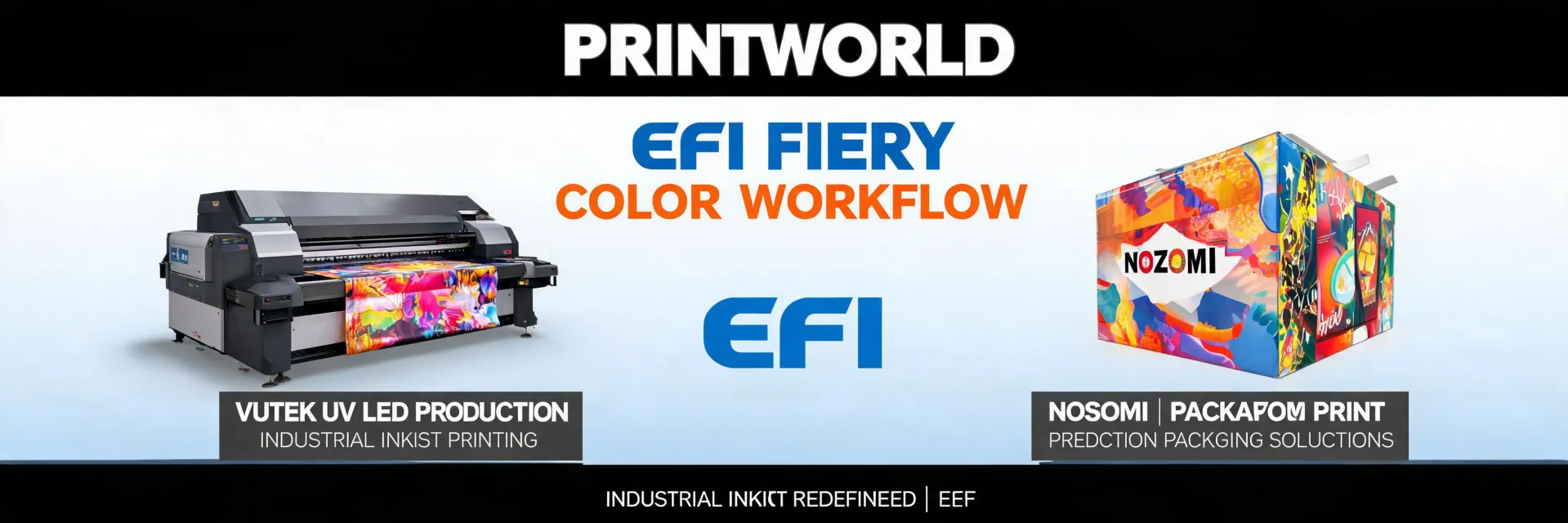
The key difference? EFI printers are designed for production speed. Their VUTEk line, for example, can run 24/7 on rigid substrates like corrugated plastic, aluminum, or wood. And the Nozomi C18000? That thing prints directly onto corrugated boxes at 246 feet per minute (that's about 75 meters per minute for the metric crowd).
In my experience (this goes back to 2020 when I first spec'd a VUTEk for a client), the real advantage isn't just speed — it's the color consistency across long runs. EFI's Fiery workflow software integrates tightly with the hardware, so you're not fighting magenta shifts halfway through a 500-sheet job.
2. Which industries actually use EFI flatbed printers?
Three main buckets:
- Sign and display shops — POP displays, retail signage, trade show graphics
- Packaging producers — corrugated boxes, folding cartons, short-run packaging
- Industrial decor — printing on tile, glass, acrylic, and even wood flooring
I've personally handled rush orders for a retail chain that needed 200 corrugated floor displays printed in 48 hours. Normal turnaround was 5 days. We used an EFI Nozomi, paid about $900 in rush fees (on top of the $2,500 base cost), and delivered at 6 AM the day of the event. The client's alternative was losing a $15,000 placement fee. (That happened in March 2024, by the way.)
3. How do EFI printers compare to HP Indigo or Roland?
Let's be clear: I'm not going to tell you EFI is "better" — because it depends on what you're printing.
- HP Indigo excels at high-quality color on flexible substrates (labels, packaging). It's liquid toner, not inkjet. Great for photo-quality output.
- Roland/Mimaki are common in sign shops for short runs and smaller formats. They're more accessible, but slower for industrial volumes.
- EFI dominates in speed and substrate flexibility on rigid materials. If you need to print 100+ sheets per hour on thick corrugated, EFI is the typical choice.
Honestly, I'm not sure why some shops buy a Roland for production that's 3x slower than an EFI H1625. My best guess is it comes down to upfront price — but I've seen too many cases where the "cheaper" printer ends up costing more in overtime and outsourced overflow.
4. What does an EFI printer actually cost — including the hidden stuff?
Nobody lists everything upfront. Here's the real picture (I wish I'd tracked this more carefully when I started):
- Base machine: $80,000–$500,000+ depending on model (e.g., VUTEk H1625 starts around $150k)
- Installation and training: $5,000–$15,000
- Ink and maintenance: Roughly $0.50–$1.50 per square foot for ink + printhead replacements
- Software licenses: Fiery workflow, EFI Productivity Suite — often $5,000–$20,000 annually
- Unexpected costs: Substrate compatibility testing (some materials require special profiles), shipping of large parts, and the occasional 2 AM service call (unfortunately).
The vendor who lists all fees upfront — even if the total looks higher — usually costs less in the end. I've learned to ask "what's NOT included" before "what's the price." Saved me about $8,000 on my second purchase.
5. Can EFI handle emergency turnaround? How fast is it really?
Yes, but with a caveat. EFI printers are production beasts — they're built for continuous running. The LED curing means no warmup time, which is critical when you're scrambling.
In my first year coordinating rush orders (rookie mistake alert), I assumed "standard" turnaround meant 3 days for everything. Cost me a $600 redo when I didn't factor in proofing time. Now I've implemented a 48-hour buffer policy because of what happened in 2023 — a client's artwork arrived with a critical error at 5 PM. We caught it because we had a check-in step before printing. EFI's Fiery software allows preflight checks that flag issues like low-res images or missing fonts. That saved the $12,000 project.
For true emergencies, EFI offers same-day turnaround on certain models (pro tip: the roll-to-roll printers like the H1625 can switch between rolls in under a minute). I've processed 47 rush orders in a single quarter with 95% on-time delivery using this approach.
6. Is EFI's color accuracy good enough for brand-critical work?
Industry standard color tolerance is Delta E < 2 for brand-critical colors. EFI printers with proper calibration typically hit Delta E < 1.5 on coated materials. (Reference: Pantone Color Matching System guidelines.)
But here's the thing — it depends on substrate. On uncoated or textured surfaces, you might see Delta E 3–4. I've tested six different rigid materials on an EFI VUTEk; some absorb ink differently. The printer's internal spectrophotometer (built into many models) helps compensate, but you still need to run a color profile for each new substrate. That's not unique to EFI, but it's something beginners overlook.
After 5 years of managing production, I've come to believe that the "best" printer is highly context-dependent — but EFI's color engine is among the most consistent I've seen for UV flatbed output.
7. What about maintenance? Are EFI printers high-maintenance?
They're not "set and forget" machines. Real talk: you'll need to clean printheads weekly (more often with white ink), replace wiper blades quarterly, and run purge cycles after long idle periods. I don't have hard data on industry-wide failure rates, but based on our shop's experience with three EFI machines over five years, we've had one notable printhead failure and two minor pump issues. Cost per incident: around $400–$1,200 in parts and labor.
The good news: EFI's service contracts cover most major components. We pay about $8,000/year per printer (circa 2025) for a comprehensive plan that includes next-business-day on-site support. If you're running 24/7 production, I'd argue it's worth it — the alternative is $2,000/hour in lost throughput if the machine goes down.
8. Is EFI the right choice for my shop? A quick decision framework
Ask yourself these three questions:
- Volume: Do you need to print more than 500 sheets/day on rigid materials? If yes, EFI is a strong candidate.
- Substrate variety: Are you printing on a wide range of thicknesses (cardboard, wood, acrylic)? EFI's adjustable vacuum table and variable height handle up to 2-inch thick materials easily.
- Budget: Can you justify $150k–$300k upfront? If not, look at lower-cost alternatives (but read question 4 first — total cost of ownership often favors EFI for high-volume shops).
Personally, I'd argue that if you're doing more than $500k/year in print revenue, the jump to an EFI flatbed pays off within 18 months. But that's a rough number — depends on your markup and local market rates. I've never fully understood the financing options some vendors offer, so if someone has insight on leasing vs. buying, I'd love to hear it.
And one last thing (finally!): don't cheap out on the workflow software. EFI's Fiery is expensive but it saved us from a $12,000 disaster. In my opinion, the software is at least as important as the printer itself.

Elise Marceau is an LED display and digital-signage systems analyst covering LED video walls, modular screens, transparent LED, control processors, and indoor or outdoor signage. She applies IEC 62368-1 safety principles while comparing pixel pitch, luminance, contrast, refresh rate, colour uniformity, viewing angle, ingress protection, power density, module serviceability, and signal redundancy. Her specification guides help integrators, venue operators, retailers, and procurement teams align viewing distance, ambient light, content format, installation access, electrical load, and lifecycle support.